
Link a report
Edalitics also allows you to link one report to another.
The steps to follow to link reports are:
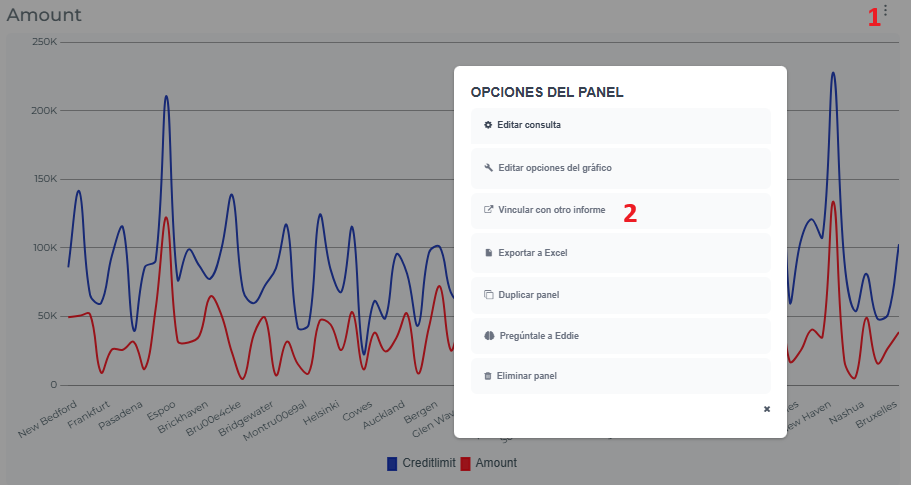
- First, go to the dashboard where the panel you want to link is located. Go to the top right (1), and then to “Link report” (2).
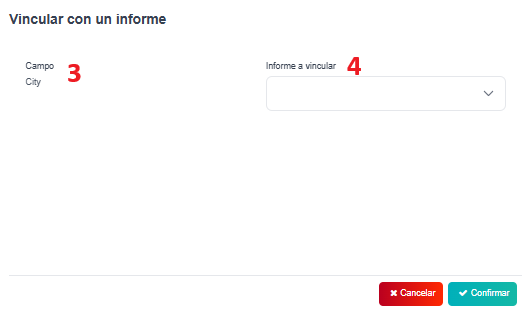
- After “Link report”, it will appear this box, where you can see the field and the report to be linked that you have to choose the one you want. Finally, “Confirm” and you will have your report linked correctly.