
Custom action
Edalitics now also allows custom actions!
To perform a custom action, follow these steps:
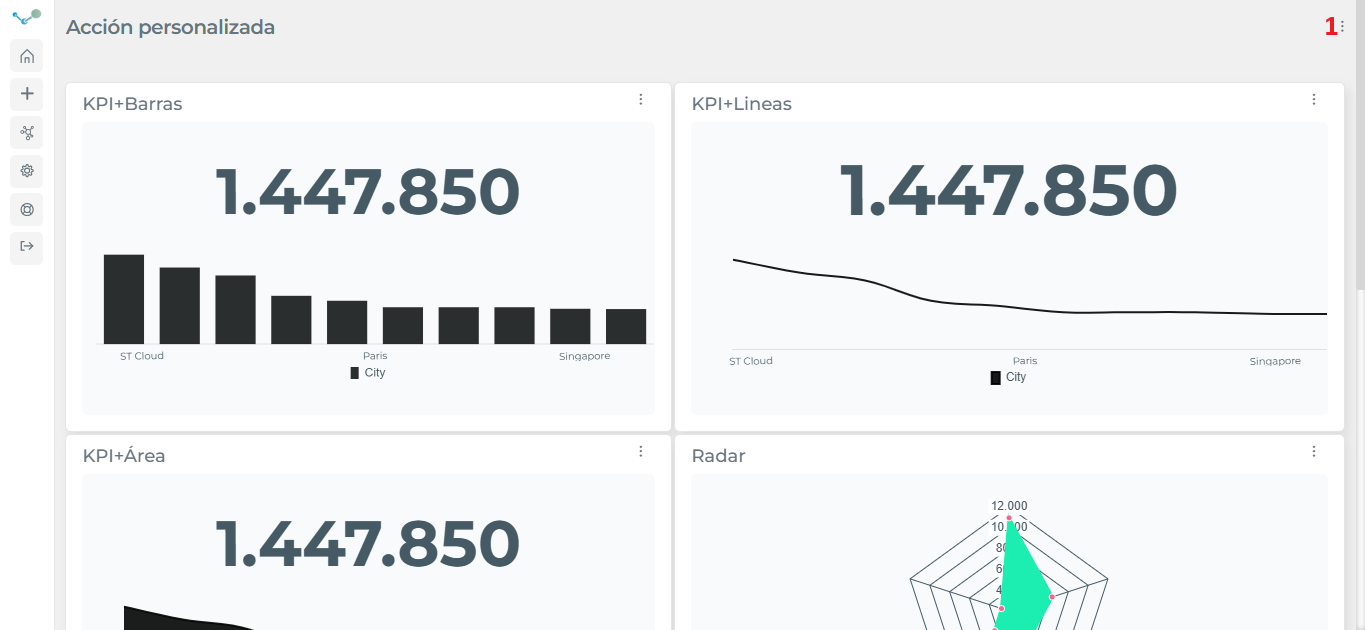
- Go to the drop-down menu located in the upper right corner (1):
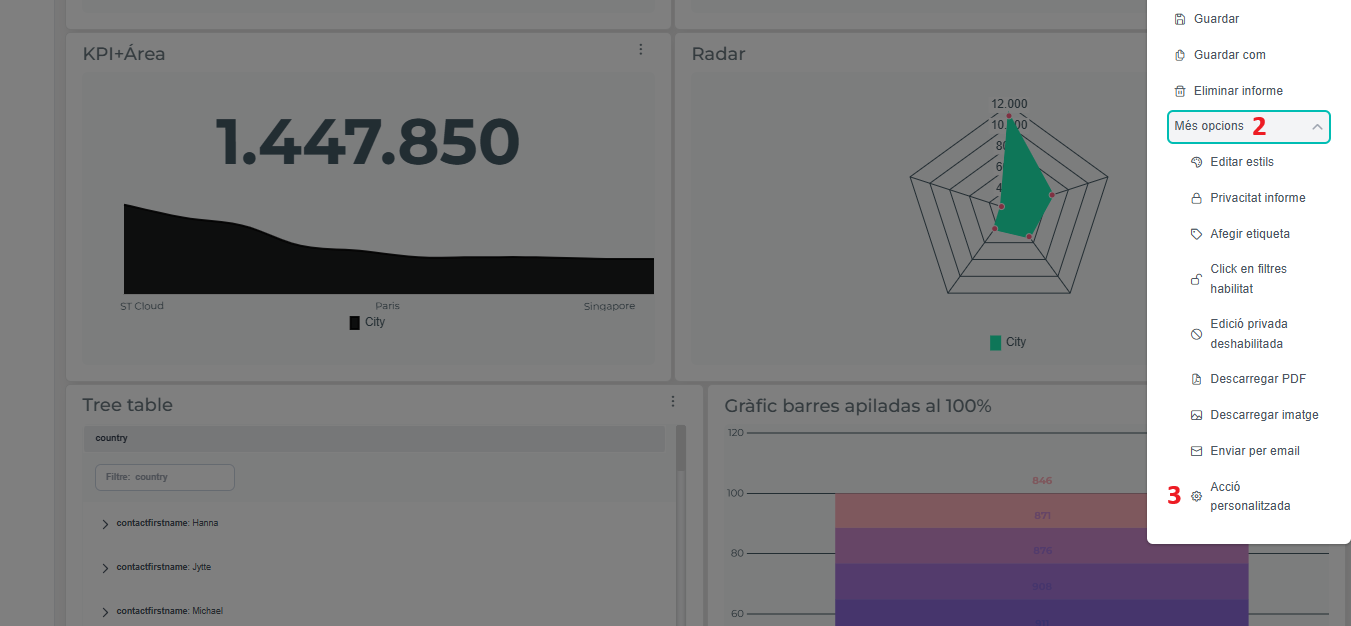
- Expand “More options” (2) and go to “Custom action” (3):
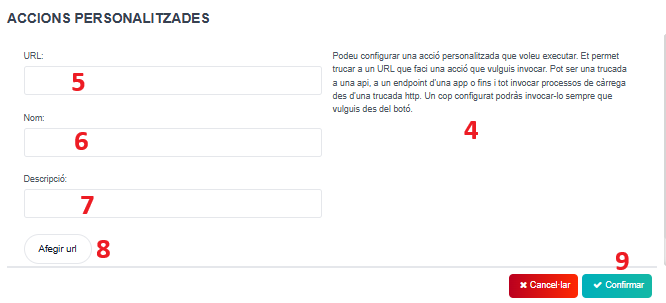
- Once you’ve gone to “Custom Action,” you’ll find this box. You’ll see text explaining the custom action (4), along with three text boxes that you’ll need to fill in with the corresponding information (5) (6) (7). Finally, after clicking “Add URL” (8) and “Confirm”(9), your custom action will be created and available.