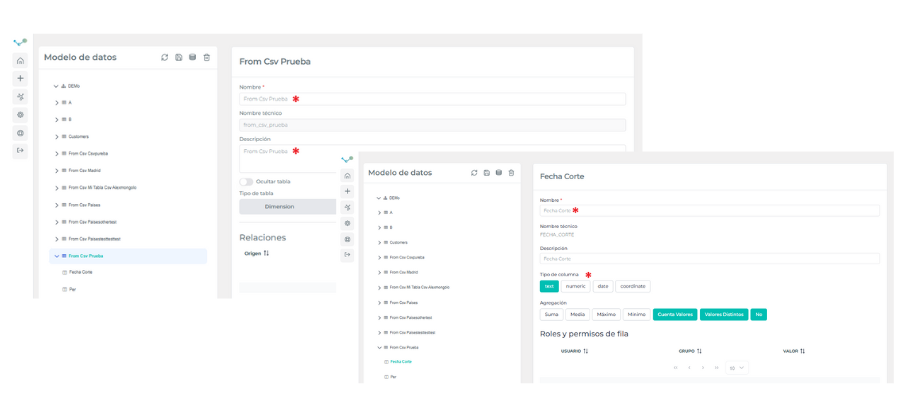

Upload a CSV
Edalitics allows the import of CSV files and the generation of entities from them.
How to import a CSV file into the data model
Section titled “How to import a CSV file into the data model”⚠ In this section it is essential to work with Postgresql data sources.
In order to add a CSV, follow these steps:
-
Access the corresponding option of the management menu and select the data source to be modified:
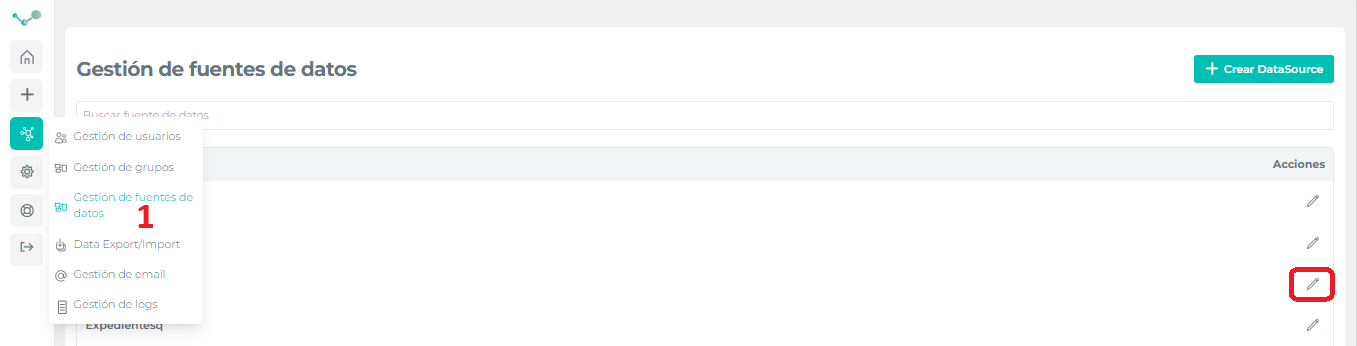
-
Select the model and click on “Add table from CSV” in the extend the model menu:
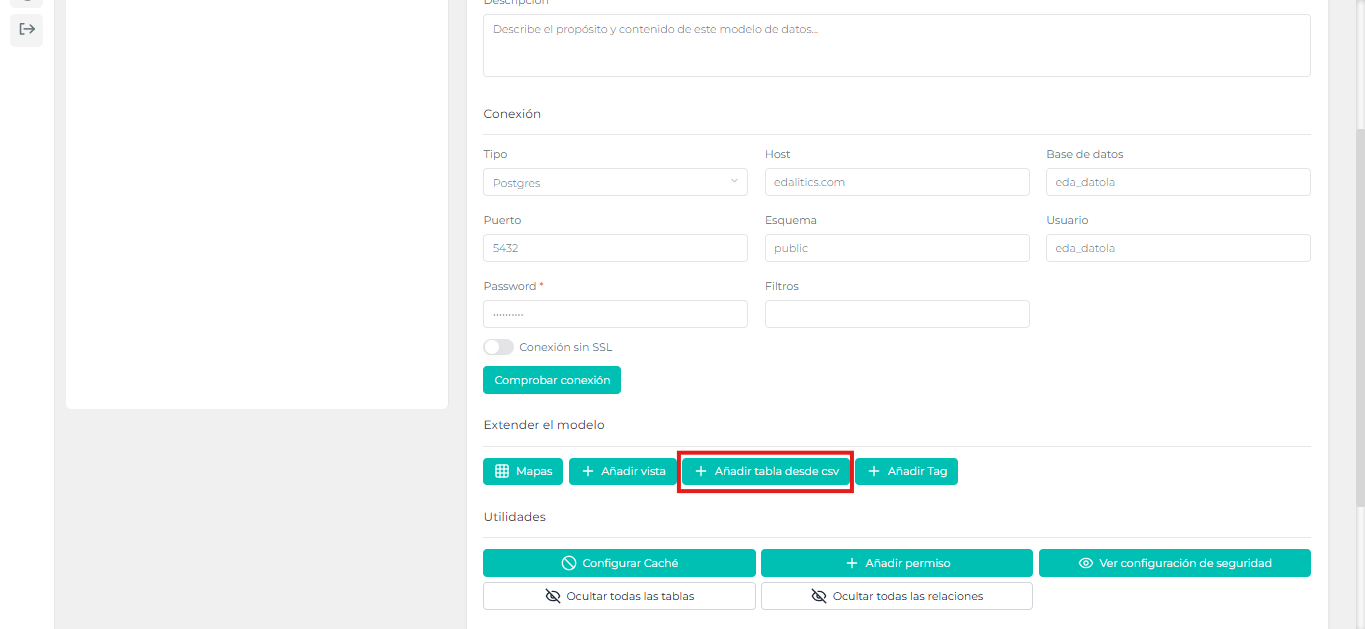
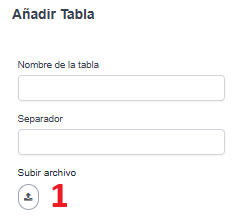
We will arrive at the following panel:
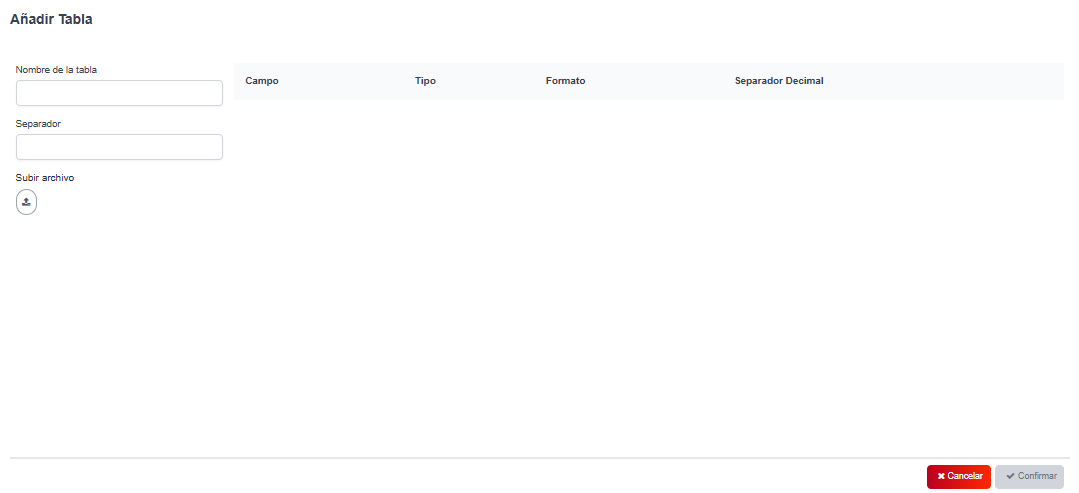
-
Add the name that you want for the table, the CSV separator and upload the file from the icon (1).
How to set up a table created from a CSV
Section titled “How to set up a table created from a CSV”Now the CSV will have been imported as a data table and we will be able to modify the table name and its respective columns, also the column data type.