

Cache settings
Edalitics has an intelligent cache system, which allows you to configure the frequency with which queries stored in data models are updated.
This intelligent cache system allows the data model to be updated automatically without any user intervention.
How to access the cache menu
Section titled “How to access the cache menu”To configure the cache system, follow these steps:
- Go to the corresponding option of the management menu and select the data source to be changed:
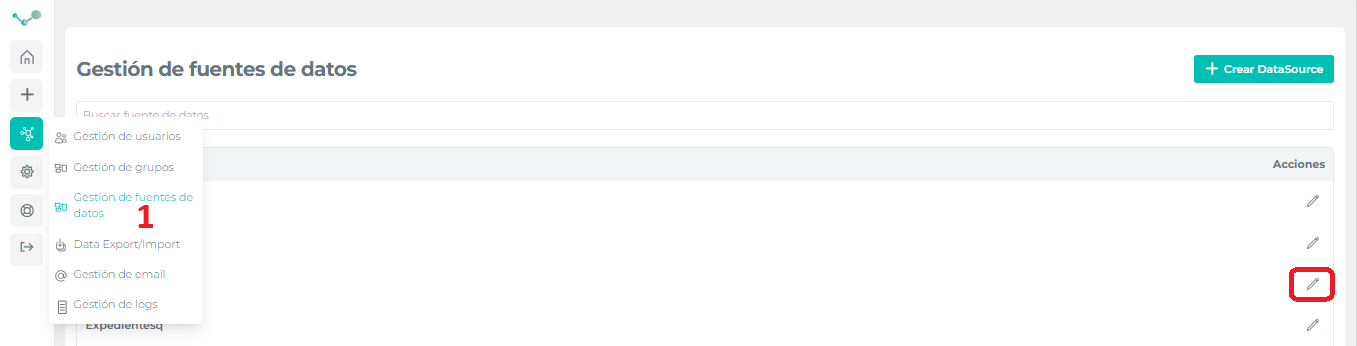
- Choose the data model to be configured:

- Access the cache configurator by selecting the option “Configure cache” from the utilities menu.
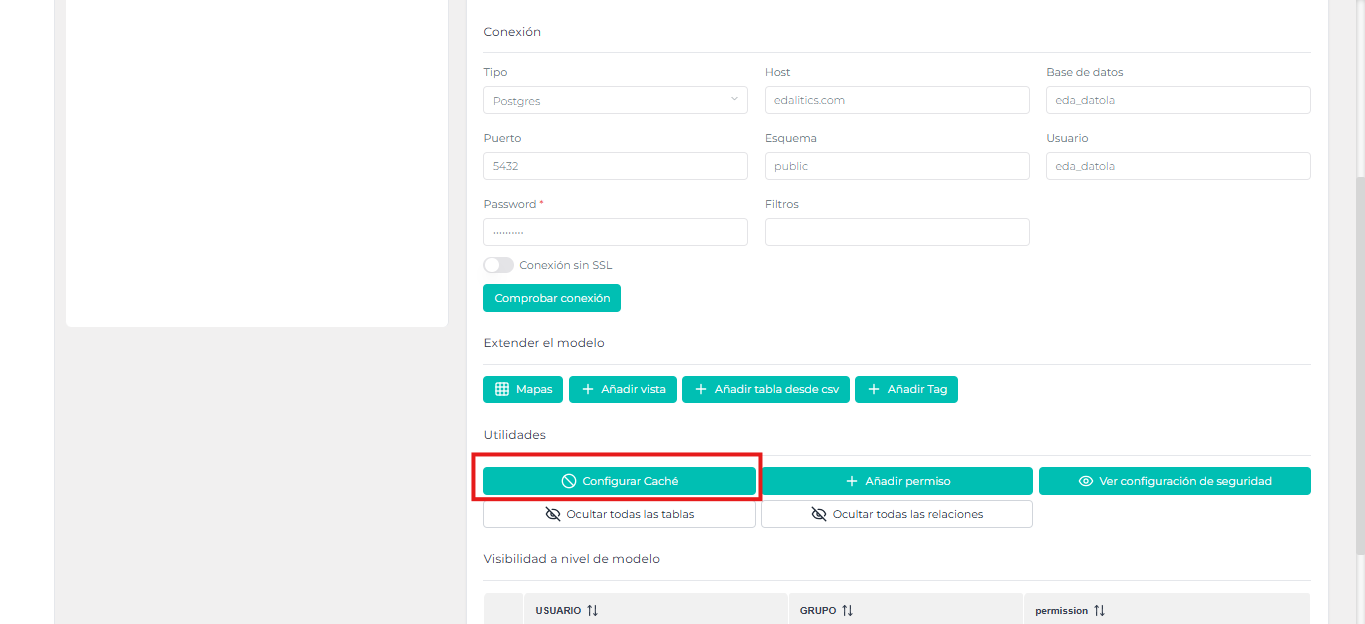
Cache configuration panel
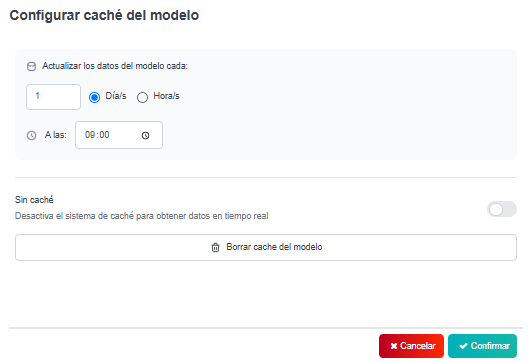
Section titled “Cache configuration panel”In the cache configuration panel, the following options will be available:
-
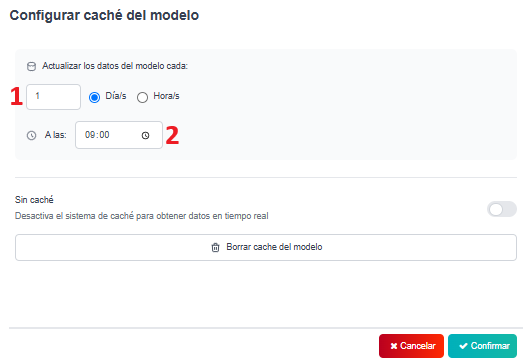
Refresh the cache with daily frequency.
The cache will be updated every certain number of days set in field (1), at the hour in field (2).
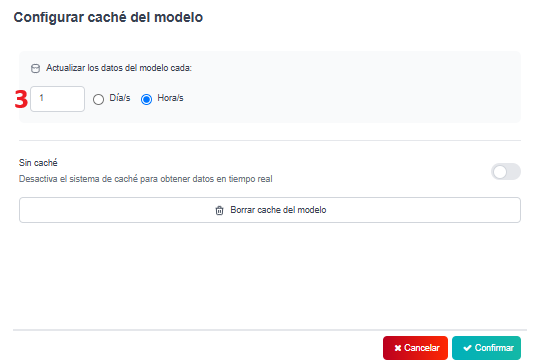
- Refresh the cache with hourly frequency.
The cache will be updated every time at certain number of hours, set in field (3).
-
Data model without cache.
By activating the “Without cache” slider, the configuration panels will disappear and there will be no cache system.
This will ensure that every time the data model is queried, it has the current data from the original data source.
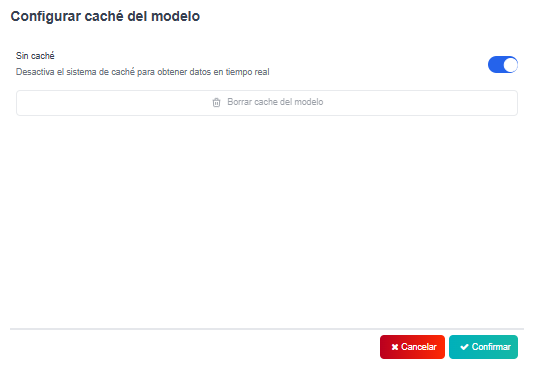
Finally, there is an extra button with the possibility to refresh the current cache, deleting the current queries stored in the model cache.